Privacy & technology
Plan Family Worship Reminders Without Oversharing
Agree on family worship reminders, share a session time instead of a record, review Khair Partners choices and hide previews on iPhone and Android.
Editorial writing date:
Start by asking each person what support they actually want. A reminder about a shared reading session is often enough. It does not need anyone's prayer history, private notes or every worship activity. Share the smallest amount of information that helps, and let each person change their mind later.
Agree on this before you add a partner, start a group or change someone's alerts. Being family does not make every private record open to others.
Key Takeaways
- Agree on who sends reminders, who receives them, when, and what stays private.
- Share a session time and topic rather than a record of what each person did alone.
- In Khair Partners, sharing is chosen per partner, and groups are a separate space.
- Hide notification previews and check widgets so nearby people see less.
- Make it easy for anyone to reduce reminders or stop sharing.
Ask what support each person wants
Have a short conversation about the real task. Does someone want an invitation to read together, a reminder before leaving for the mosque, or encouragement with a goal they chose? Each needs a different setup.
Avoid starting with a dashboard of completed and missed activities. Quran 49:12 addresses the believers in general, and includes the instruction "do not spy" in Dr. Mustafa Khattab's translation. Applying it to a family app is our own practical reading, not a ruling. As a simple family rule, make support something people ask for, not a reason to check on private worship.
For children, follow your family's own safeguarding arrangements. Take questions about parental duties or religious rulings to someone qualified to answer them.
Example: a written family reminder agreement
Here is an illustration of what a short agreement could look like. It is a sample, not a template you must follow.
- Activity: Sunday Quran circle at 7 p.m., in the living room.
- Reminder: One message from Aisha to the family chat at 6:30 p.m.
- Shared in Everyday Muslim: Nothing. Each person keeps their own tracker private.
- Not shared: Prayer history, missed-prayer reasons, personal notes.
- If someone can't come: A short "not today" is enough. No reason needed.
- Review: Check after a month whether the time and reminder still suit everyone.
Writing it down keeps the reminder tied to the session. "Please remind me about our agreed session" is clearer than an open-ended expectation to keep an eye on someone.
Share a session time, not a record
A shared reading session needs a time, a place and what you plan to study. It rarely needs a history of what each person did alone.
| Shared purpose | Information that is usually enough |
|---|---|
| Meet for a reading session | Time and meeting place |
| Bring a study question | Passage reference and the agreed topic |
| Send an encouraging reminder | The person's chosen reminder and timing |
| Coordinate a trip to the mosque | Departure time and who is driving |
Keep private thoughts, missed-prayer reasons and detailed records out of a group unless the person chooses to share them. Do not judge someone's faith from gaps in an app. The worship goals guide explains how to keep a goal personal instead of a contest.
Review Khair Partners choices for each person
The Khair Partners guide explains how sharing works in Everyday Muslim:
- Connecting: One person generates a code in the Code tab. The other scans the QR code or enters it. Requests appear under the bell icon, where you accept or reject them.
- Choosing areas: For each partner, you choose which worship areas to share. The options include prayer, fasting, dhikr, Quran and Asma'ul Husna. You can change these when accepting a request or later in partner settings.
- Groups: Groups are separate from one-to-one partners. Group admins manage members and join requests. Groups can include shared progress, leaderboards and Khair Notes.
So a private partner link with one sibling and a wider family group are different places. Check the choices for each one. In a partner's settings, the Deed Sharing section has a switch for each area; turn off any area you no longer want to share, then tap the save icon. Remove Partner ends a one-to-one link, and Leave Group takes you out of a group, although a group's creator must first transfer ownership or delete the group. A leaderboard in a group may show more than a reminder needs. Explain what will be visible before anyone accepts an invitation, and ask each person to check their own settings.
Shared progress uses online services. The guide says selected areas are synced and visible to that partner. The privacy policy says Khair Partners profiles, groups, notes and shared activity can be stored using Google Firebase services. The policy also says deleting an account should not be understood as erasing every copy of content already shared with others. That is a good reason to share less from the start. The guide to reading a Muslim app privacy policy can help you find these sections.
Check what nearby people can see
Information can also show up on the phone itself. Look at notification previews, the Lock Screen, Home Screen widgets and any screen you share during a call or lesson.
On iPhone, Apple's notification settings guide describes these controls:
- Go to Settings > Notifications, tap an app, then tap Show Previews (if it appears) and choose Always, When Unlocked or Never.
- Go to Settings > Notifications > Screen Sharing and turn Allow Notifications off if you share your screen with family.
On Android, Google's notification guide describes turning off Sensitive notifications under the Lock screen heading in notification settings. You can also hide content for individual apps. Labels vary by phone.
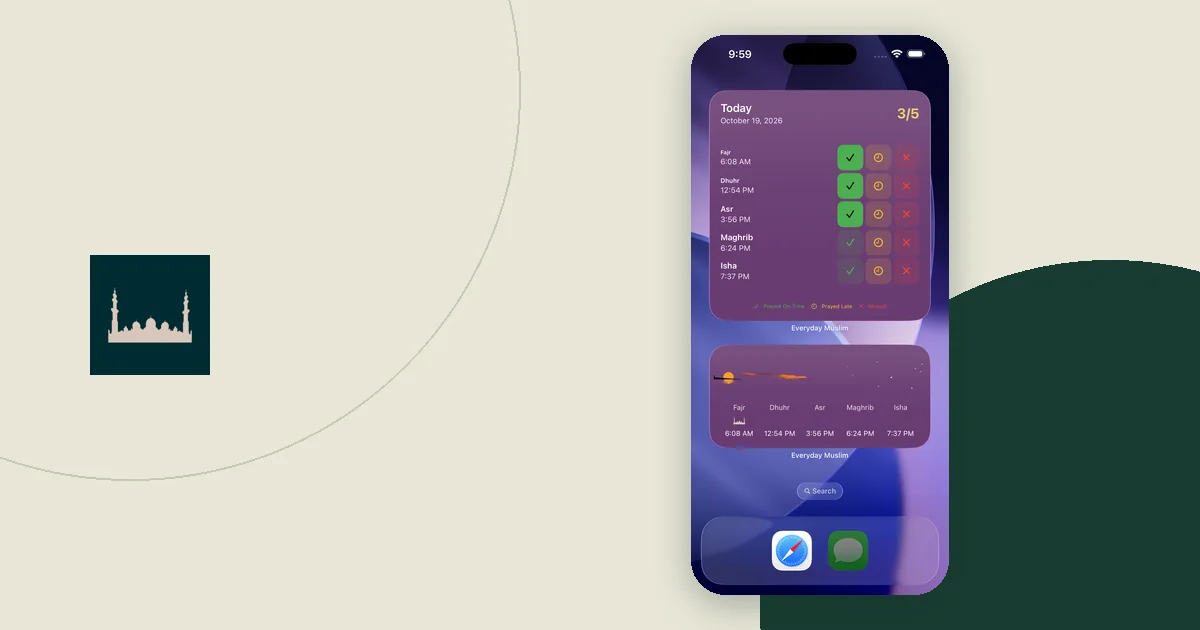
Widgets matter too. A tracker widget with streaks on a phone that others pick up shows more than a plain timetable. The prayer widget setup guide covers choosing a widget with this in mind.
Encourage without asking for proof
Agree on wording that feels supportive. A reminder can invite someone to the session or ask whether another time would help. It does not need a request for a screenshot or an explanation of an absence.
Imagine two siblings with a weekly reading session. One starts sending messages whenever the other's shared tracker has not changed. The shared session has quietly turned into monitoring. Go back to the agreement: what reminder was asked for, what information is needed, and whether sharing should stay on.
If the setup stops helping, send fewer reminders or stop sharing. Ask people not to forward screenshots, notes or personal explanations to another group without the person's agreement.
Make changing the arrangement normal
Pick a set time to ask whether the reminders still help, such as the end of each month. Work, study, illness and family duties can change what someone wants. They should not have to explain private details to change it.
The weekly Islamic learning routine can keep a shared session small and steady. If someone prefers to study alone, respect that and send a simpler invitation when it fits.
A good family setup makes the agreed activity easier to remember and leaves each person in control of their own records. Keep shared information limited to that purpose, and revisit it when the people or the purpose change.