Prayer & daily life
How to Check a Qibla Compass Before You Trust It
Check a Qibla compass in four steps: confirm the place, read the north reference, test the phone heading on iPhone or Android, then cross-check it.
Editorial writing date:
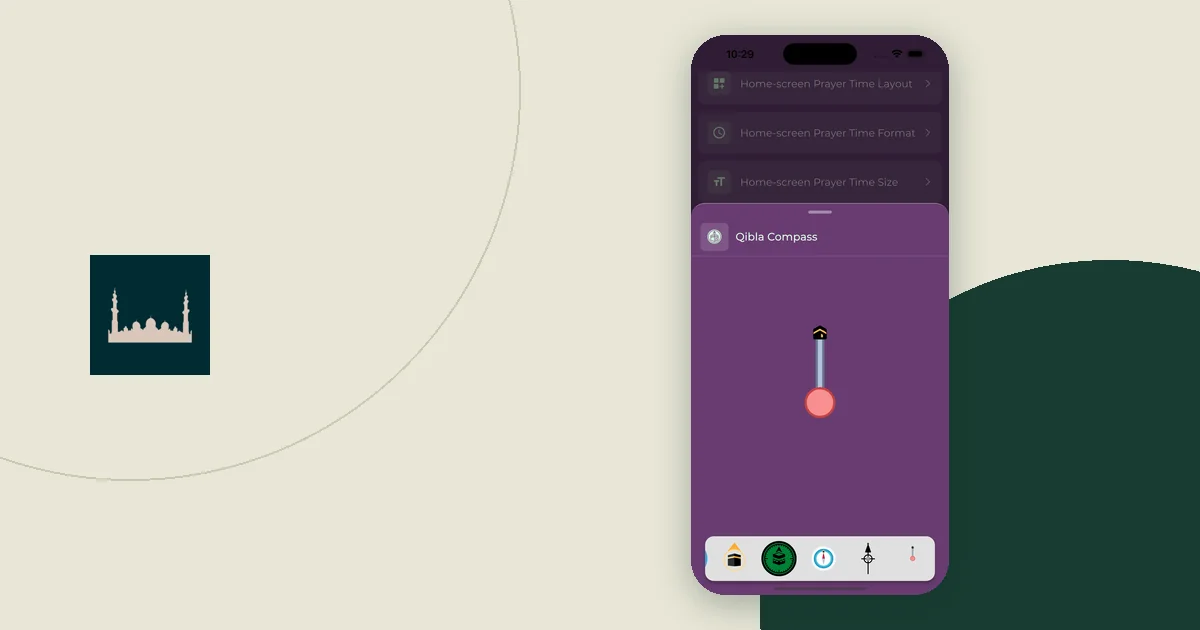
A Qibla compass combines two things: a Qibla bearing calculated from a place, and a phone heading read from the phone's sensors. Check each one on its own. Confirm the place, read which north the numbers use, test the heading, then compare the result with a reference that does not depend on the same phone.
Key Takeaways
- The Qibla bearing comes from coordinates. The phone heading comes from sensors. Check them separately.
- Confirm the selected place first, because a saved home city gives the wrong bearing abroad.
- Phone headings are often measured from magnetic north, while Qibla bearings are usually measured from true north.
- Cross-check with a north-up map, a mosque's marked direction or a physical compass, not a second app on the same phone.
The four-step check
Work through these steps in order. Each one rules out a different kind of error.
- Place: Is the tool using the city or coordinates you are actually in?
- North reference: Is the Qibla bearing from true north, and is the phone heading from true or magnetic north?
- Phone heading: Does the arrow stay steady when you hold the phone flat and still, away from metal?
- Cross-check: Does an independent reference point the same way?
If the place is wrong, fix it before you touch anything else. A sensor test cannot repair a bearing calculated for the wrong city.
Step 1: Confirm the place behind the Qibla bearing
Read the place label above the result. Do not assume that opening an app selects where you are standing. A home city saved before a trip is an easy mistake to miss.
The calculation itself is simple to describe. The Adhan calculation library takes latitude and longitude and returns a bearing toward the Kaaba. The Qibla finder on this site uses that library and shows the result in degrees clockwise from true north.
Check three things:
- The city and country match where you are.
- Typed coordinates have the right signs. West and south are negative, so a missing minus sign moves you to another continent.
- The result says whether it uses a city center or a more exact position.
Far from Makkah, small location differences barely change the bearing. Using this site's engine, central London gives 119.0°, and a point near Heathrow Airport (51.4700, −0.4543), about 23 km west, gives 118.6°. The London Qibla page shows the city-center figure. Near Makkah the picture is very different; the guide to finding Qibla without sharing your precise location shows why.
Step 2: Read the north reference
Look for "true north" or "magnetic north" next to every number. True north points to the geographic North Pole. Magnetic north is where a compass needle points. NOAA defines magnetic declination as the angle between the two and notes that it changes with place and time.
Phone headings often use magnetic north:
- iPhone: Apple's developer documentation describes the heading that Safari gives web pages, webkitCompassHeading, as measured "relative to magnetic north." When the Qibla finder receives this value, it says so: "Your sensor uses magnetic heading; the calculated bearing uses true north."
- Android: Android's position-sensor guide describes the azimuth as the angle between the phone's compass direction and magnetic north. An individual app may convert it to true north, so check its help pages.
A gap between two readings is not proof that either is broken. One may be true and the other magnetic. Do not add or subtract a number by guesswork. The guide to true north and magnetic north in a Qibla app explains how to convert between them with the correct sign.
Step 3: Test the phone heading
Hold the phone flat and still. Watch the arrow for a few seconds. Then move a short distance away from metal furniture, speakers, a magnetic case or a car, and look again. If the arrow shifts when only your surroundings changed, the sensor is the problem, not the Qibla bearing.
Each platform has its own guidance:
- iPhone: Apple's Compass guide says to hold the iPhone flat for accurate bearings. It warns that magnetic or environmental interference can affect accuracy and that the compass is for basic navigation only.
- Android: Google's location accuracy help for Maps says to calibrate when the blue dot's beam is wide or points the wrong way. Its method is to move the phone in a figure 8 until the beam narrows.
On the Qibla finder, tap "Enable phone compass" to start the live heading. Watch the status line. "Compass accuracy is low" or "No usable absolute heading received" means the phone is not giving a reliable direction. In that case, stop the phone compass and use the numerical bearing with another north reference.
Step 4: Cross-check with an independent reference
A good cross-check does not share the uncertain input. A second compass app on the same phone reads the same sensor, so it can repeat the same error.
Better options include:
- A north-up map. Find north on the map, then turn clockwise by the Qibla bearing.
- A Qibla marker in a mosque or prayer room, if you know how it was set.
- A physical compass, once you know whether it is adjusted for local declination.
If a hotel's direction marker disagrees with your reading, ask how the marker was set. Neither a printed sticker nor a decimal place on a screen proves accuracy on its own.
Worked example: a hotel room in Toronto
This is an illustration, not a test result. Imagine a traveler in a Toronto hotel. They open the Qibla finder on an iPhone and see two different arrow positions: one beside the bed and one near the window.
| Check | What they find | What it means |
|---|---|---|
| Place | The label still says London | Wrong input. They select Toronto. The bearing changes from 119.0° to 54.6° from true north. |
| North reference | The status says the heading is magnetic | The bearing is true north; the heading is magnetic north. |
| Declination | The British Geological Survey's model service gives −10.1° for central Toronto on 5 November 2026 | In Toronto, true and magnetic north are about 10° apart, so the references matter here. |
| Phone heading | The arrow moves when the phone is near the bedside lamp's metal base | Local interference. The window spot gives a steadier reading. |
| Cross-check | A north-up map, then a turn of about 55° clockwise, roughly northeast | This confirms the direction without relying on the phone sensor. |
The order mattered. Fixing the city changed the number. Moving away from the lamp changed only the arrow. Treat those as two separate problems. The Toronto Qibla page shows the same city-center bearing, and the guide to setting up a prayer space in a hotel room covers arranging the room once the direction is settled.
Keep a short record
Write a one-line note for any room you will use more than once:
- Place used (city or coordinates)
- Qibla bearing and its north reference, for example "54.6° from true north"
- How you found north (map, marker or compass)
- Where in the room the phone reading was steady
That note saves you from repeating the whole check at every prayer.
If the inputs still disagree, ask a knowledgeable local person, a nearby mosque or the tool's support team. Share the specific numbers rather than saying "the compass is wrong." A phone can help with the geographic check, but questions about a particular prayer belong with a qualified teacher.