Prayer & daily life
Find Qibla Without Sharing Your Precise Location
Get a Qibla bearing from a city or typed coordinates, see when a city-center result is close enough, and set approximate location on iPhone or Android.
Editorial writing date:
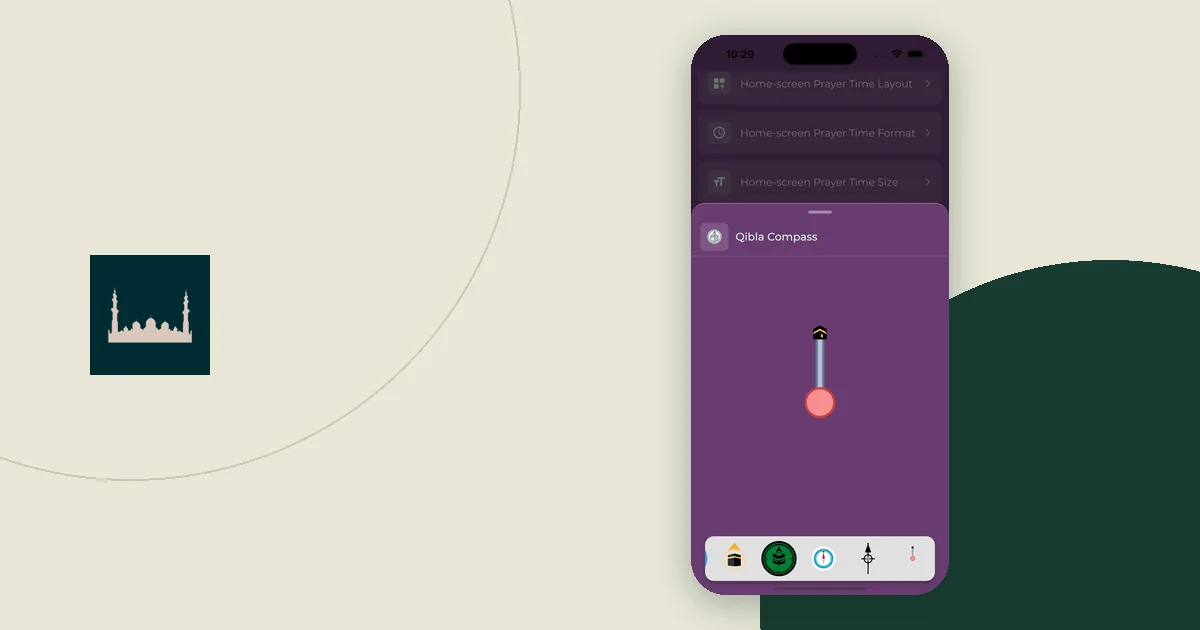
A Qibla bearing needs a latitude and longitude, but those numbers do not have to come from your phone's location. You can pick a city or type coordinates you chose yourself. Far from Makkah, a city-center bearing is usually within a degree of the bearing for your exact spot. Close to Makkah, it can be badly off.
Key Takeaways
- The Qibla calculation needs coordinates, not location permission. A city or typed coordinates work.
- Far from Makkah, a city-center bearing is close: central London and a point near Heathrow differ by 0.4°.
- Near Makkah, a few kilometres can change the bearing by more than 30°, so use exact coordinates or a local marked direction.
- Approximate location on iPhone or Android is still location permission. It is not the same as choosing a city.
Decide what you want to keep private
"Without sharing location" can mean three different things:
- No device location access. The app or website never asks your phone where you are.
- No exact address. You give a nearby point, not your home or hotel.
- No coordinates sent anywhere. The calculation stays on your device.
Pick the one that matters to you, because each needs a different check. The Adhan calculation library only needs coordinates as input. Where those coordinates come from, and whether they leave your device, depends on the tool, not the math.
On this site's Qibla finder, the calculation runs in your browser. The finder page states that coordinates are not included in its tool analytics events or sent to a geocoding service. You only see a location request if you press "Use my location." For the rest of the site, read the privacy policy. Declining location access does not mean a website receives no other information, and the guide to reading a Muslim app's privacy policy explains what to look for.
Route 1: choose a city
Use this route when a listed city is close to where you are.
- Open the Qibla finder and choose the city.
- Read the place label above the result to confirm it.
- Note the bearing with its reference, for example "119.0° from true north."
- If the browser asks for location access, you can decline. The city result still works.
The result is the bearing from the city center, not from where you are standing. Do not choose the first city in the list just because it is nearby on a map. If your town is not listed, use Route 2.
Route 2: type your own coordinates
Typing coordinates gives you control over the input.
- Find the point on a map you trust and copy its latitude and longitude.
- Open "Enter coordinates manually" in the finder and paste them.
- Check the signs. South latitudes and west longitudes are negative.
- Calculate, then confirm that the label shows your typed position.
You can round the coordinates or choose a public landmark nearby instead of your exact address. Two decimal places are roughly a kilometre of precision. Do not post a screenshot with private coordinates when asking why an arrow looks wrong.
How close is close enough?
The answer depends on how far you are from Makkah. These figures come from this site's Qibla engine. They illustrate the geometry; they are not directions for a specific building.
| Place used | Coordinates | Qibla bearing (true north) |
|---|---|---|
| Central London | 51.5074, −0.1278 | 119.0° |
| Near Heathrow Airport, about 23 km west | 51.4700, −0.4543 | 118.6° |
| Central Manchester, about 260 km from central London | 53.4808, −2.2426 | 118.5° |
| Makkah city-center preset | 21.3891, 39.8579 | 318.5° |
| A point about 4 km northeast of that preset | 21.4100, 39.8900 | 281.9° |
From London, moving 23 km or even 260 km changes the bearing by less than one degree. The London Qibla page uses the city-center figure, and for most of Greater London that is a reasonable starting point.
Near Makkah it is a different story. Both Makkah points are only about 5 to 7 km from the Kaaba, so a 4 km shift changes the bearing by 36.6°. The Makkah Qibla page gives a city-center bearing, but inside the city you should use exact coordinates or, better, the direction marked in your hotel or a nearby mosque.
Approximate location is a separate choice
You may prefer to let the phone share only a rough area. That is still location permission, and both platforms let you set it per app:
- iPhone: Apple's location guide says to go to Settings > Privacy & Security > Location Services, select the app, then turn Precise Location on or off. With it off, the app gets only your approximate location.
- Android: Google's Android guide says to touch and hold the app icon, tap App info > Permissions > Location, choose a level such as "Allow only while using the app," then switch "Use precise location" on or off.
Menu wording can differ between phone models and system versions. After you change a setting, reopen the tool and check the place label. It may still show an earlier saved position. The guide to choosing location and notification permissions covers the wider trade-offs.
The bearing still needs a direction
Coordinates tell the calculation where you are. They do not tell anyone which way your phone is facing. For that you need a north-up map, a physical compass or the finder's optional phone compass.
The phone compass uses motion sensors, not location. On an iPhone, the browser may ask for motion and orientation access when you tap "Enable phone compass." That request is separate from the location button. If the arrow is unsteady, more precise coordinates will not fix it; follow the four-step Qibla compass check instead.
Example: planning a London stay without location access
This is an illustration, not advice for a particular room. Before the trip, a traveler chooses London in the finder and writes: "London city center, 119.0° from true north." A point near Heathrow, at the city's western edge, differs by only 0.4°, so the city-center figure is close enough for most of London. They never press "Use my location."
At the hotel, they find north on a map and turn about 119° clockwise, roughly east-southeast. If the room has a marked direction, they compare it. Only if the two disagree by a lot do they consider entering the hotel's coordinates. Their note holds just three things: place, bearing and north reference.