Prayer & daily life
A Daily Salah Routine That Fits a Busy Schedule
Build a daily salah routine around current prayer times, real commitments, and a simple backup plan, then review the points that keep getting in your way.
Editorial writing date:
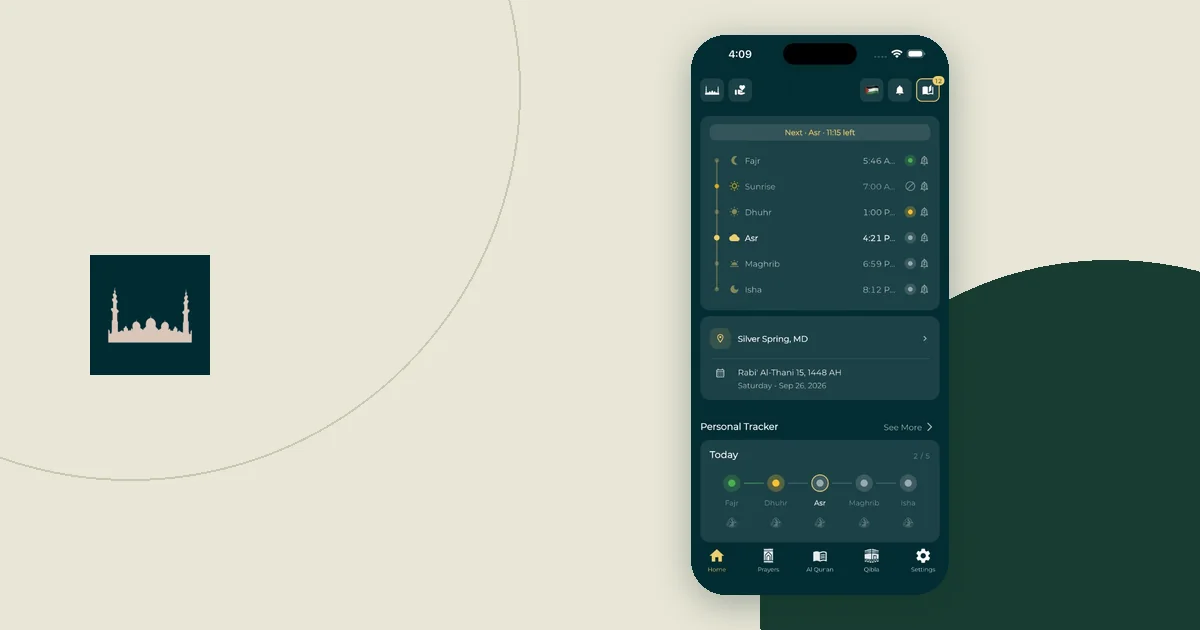
A workable salah routine starts with today's prayer times and the places you will actually be. Check the timetable, find the hard parts of the day, and decide how you will prepare before those moments arrive. Then give each hard prayer a backup in case the first plan falls through.
The Quran describes prayer as an obligation tied to appointed times in An-Nisa 4:103. Fitting your day around those times is a practical task. Questions about your own religious circumstances belong with a qualified teacher who knows them.
Key Takeaways
- Check current local prayer times before arranging your day.
- Give each difficult prayer a plan for place, preparation, and reminders.
- Write one backup for each difficult prayer: another space, another stopping point, or another person to cover.
- Review obstacles each week rather than treating a tracker as a judgment of your worship.
Start with the day you have
Look at your local prayer timetable alongside work, study, travel, and duties at home. Do this before you fill the day with optional tasks.
Write down where you expect to be around each prayer. An office day, a day with children at home, and a long journey need different arrangements. Avoid copying a routine built around someone else's quiet morning or predictable lunch break.
Keep the plan short for the easy parts of the day. Spend your effort on the likely conflict: a meeting, a commute, a shared room, or a stretch when you cannot use your phone. The aim is to spot that conflict while you still have choices.
The prayer timetable and a mosque's congregation schedule answer different questions. If you plan to pray with a congregation, check the mosque's own published times. A reminder at the start of the prayer time will not tell you when the congregation begins.
Name the place and the preparation
For each difficult part of the day, answer three questions. Where can I pray? What must I arrange beforehand? What will tell me it is time to act?
A useful note might read: "At work: check the quiet room is free, get ready before the long meeting, use today's timetable." That gives you something to do. "Pray at work" leaves several decisions open.
Think through the route to the space as well. If you need a key, ask where it is kept. When you are away from home, check the Qibla direction before the moment becomes rushed.
Keep preparations within your own circumstances and the guidance you follow. A planning checklist helps you remember arrangements; it does not decide what makes a prayer valid.
Add a backup for each difficult prayer
A plan with one option fails as soon as the room is taken or the meeting overruns. For each prayer you marked as difficult, write a second option next to the first. Keep it to one line.
Useful backups are specific:
- Another space: "If the quiet room is booked, use meeting room 3 or my car in the staff car park."
- An earlier stopping point: "If the 11:30 meeting looks likely to overrun, ask to step out at a natural break."
- Another person: "If Sam can't cover the phones, ask the team lead."
- A phone fallback: "If the reminder doesn't come, the widget on my home screen still shows the next prayer."
Decide the backup in advance, not when the first plan has already failed. At that moment you have less time and fewer options.
Use calendar blocks as planning aids
A calendar can hold space in a busy day, but each block needs review. Google Calendar supports repeating events, which suit a recurring planning check. A repeating clock time is not a prayer calculation, because prayer times move through the year.
One simple approach is a repeating evening event called "Check tomorrow's prayer plan." During that check, open the next day's timetable and adjust any calendar blocks. The repeated event stays the same while the prayer arrangements stay current.
On a work calendar, choose a title that suits who can see it. A private note or a neutral "busy" block may be enough. Check the calendar's sharing settings before adding personal details. The guide to planning prayer breaks around a workday covers the conversation with your manager and the handover.
Give a reminder one clear job
Decide what should happen when a reminder arrives. It might mean checking the room, reaching a safe stopping point, or starting to get ready. A reminder with no planned response is easy to dismiss.
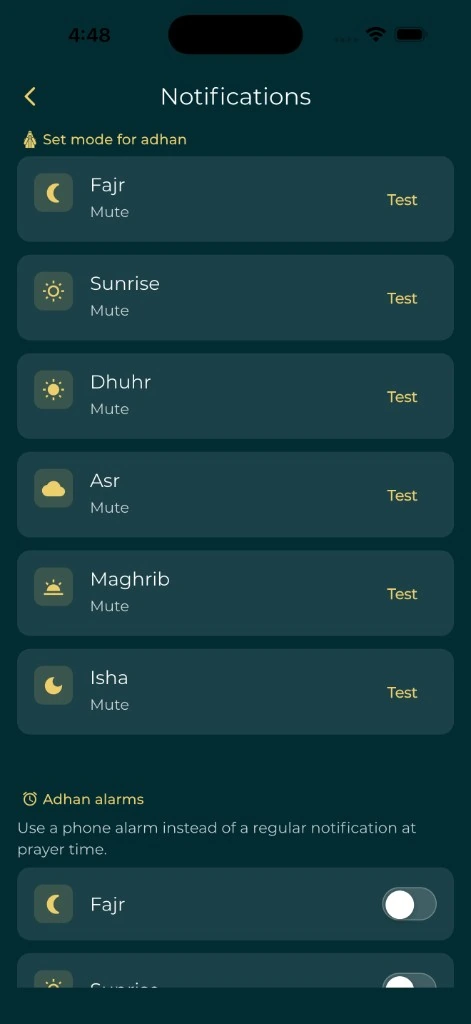
Test the notification in the conditions you normally use. Apple's iPhone notification guidance explains that each app's alerts and delivery can be customized. A setting that looks enabled inside an app is only part of the picture.
Do not add a stack of reminders before finding out why the first one failed. If you hear it but cannot act, the obstacle is your arrangement at work. If it never appears, check the phone settings. The guide to prayer reminders you will notice separates those two problems.
Worked example: one Monday in Birmingham
This is an illustration, not a timetable to follow. The times come from this site's prayer-time calculator for Birmingham, UK (52.48° N, 1.89° W, Europe/London zone), on Monday 16 November 2026, using the Moonsighting Committee method and the Shafi Asr setting. Your location, date and settings will give different times.
Imagine someone who leaves home at 8:00, works in an office from 9:00 to 17:00, and has an evening class at 18:30.
| Prayer | Time in this example | Where they expect to be | First plan | Backup |
|---|---|---|---|---|
| Fajr | 5:52 AM | Home | Alarm checked the night before | A second alarm on another device |
| Dhuhr | 11:57 AM | Office | Quiet room after the 11:30 meeting | Meeting room 3 if the quiet room is booked |
| Asr | 1:50 PM | Office | Short break after lunch, agreed with the team | Ask a colleague to cover the phones |
| Maghrib | 4:16 PM | Office | Break agreed in advance near the end of the day | Step out at the next natural pause in work |
| Isha | 5:44 PM | Between office and class | Pray before leaving for class | Check whether the class venue has a suitable space |
Two things stand out. In this November example, four of the five prayers fall during the working day or the journey to class. On Monday 14 June 2027, the same calculator gives Maghrib at 9:35 PM and Isha at 10:50 PM in Birmingham, so a plan built in summer would miss the evening office break completely. That is why the plan starts from the current timetable, not a routine copied from another season.
Review friction without creating a score
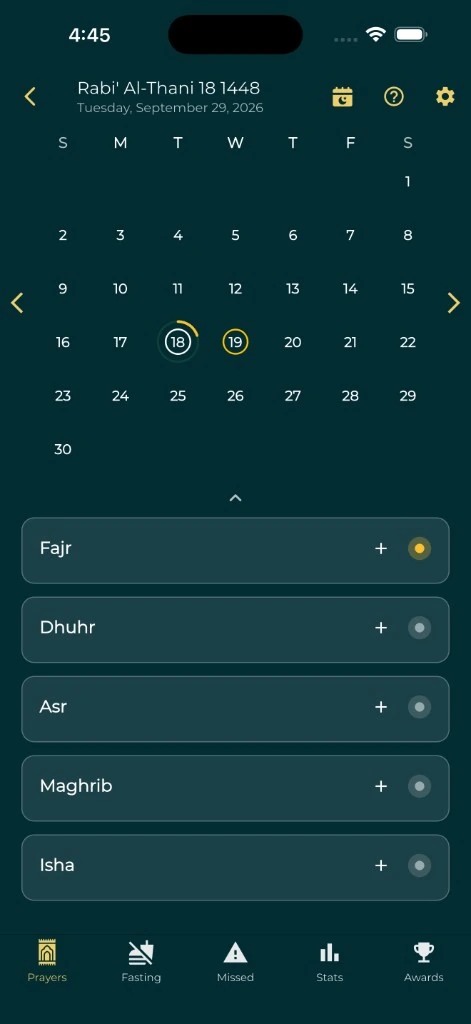
Use a personal prayer tracker only if recording helps you reflect. Keep notes factual: "The room was locked," "I checked the wrong city," or "The meeting ran over." Each note points to a change you can make.
A weekly review can take five minutes. Find the obstacle that came up most often, pick one practical change, and try it next week. You might ask about a different room, check your timetable earlier, or turn off a reminder that no longer helps.
Keep the record private unless you want to share it. A calendar block, a reminder or a ticked box can describe an action; it cannot measure sincerity. Tonight, open tomorrow's timetable, mark the one prayer most likely to be difficult, and write its first plan and its backup.