Ramadan & fasting
Plan a Ramadan Routine Before the Month Begins
Plan Ramadan in five decisions: the date source, local timetable, household tasks, a reading goal and private records, with a worked London example.
Editorial writing date:
A good Ramadan plan comes down to five decisions made before the first fast: how you will hear the start date, which local timetable you will use, who does each household task, what Quran reading fits your days, and where you will keep private records. Settle those in one short conversation and write the answers on a single page. Leave the rest of the month open.
Key Takeaways
- Confirm the start of Ramadan through the local announcement you follow, not a calendar estimate.
- Save one named local timetable and note how much its times move during the month.
- Give every household task an owner and a backup person.
- Set the reading goal from your real pace, then keep personal records private.
Start with the guidance, then your week
Fasting is prescribed in Al-Baqarah 2:183, and 2:185 names Ramadan as the month the Quran was revealed. Learn the rules of fasting from reliable teachers. If your health, travel, pregnancy or work raises a question, ask a qualified scholar. A household plan organizes the month. It cannot decide what you owe.
Next, list what will not stop during Ramadan: work shifts, school runs, caring for a parent, a trip. Mark the days that are already full. A plan that only works if those duties disappear will not survive an ordinary week.
The five decisions
Make these decisions in order, and write each answer on the plan.
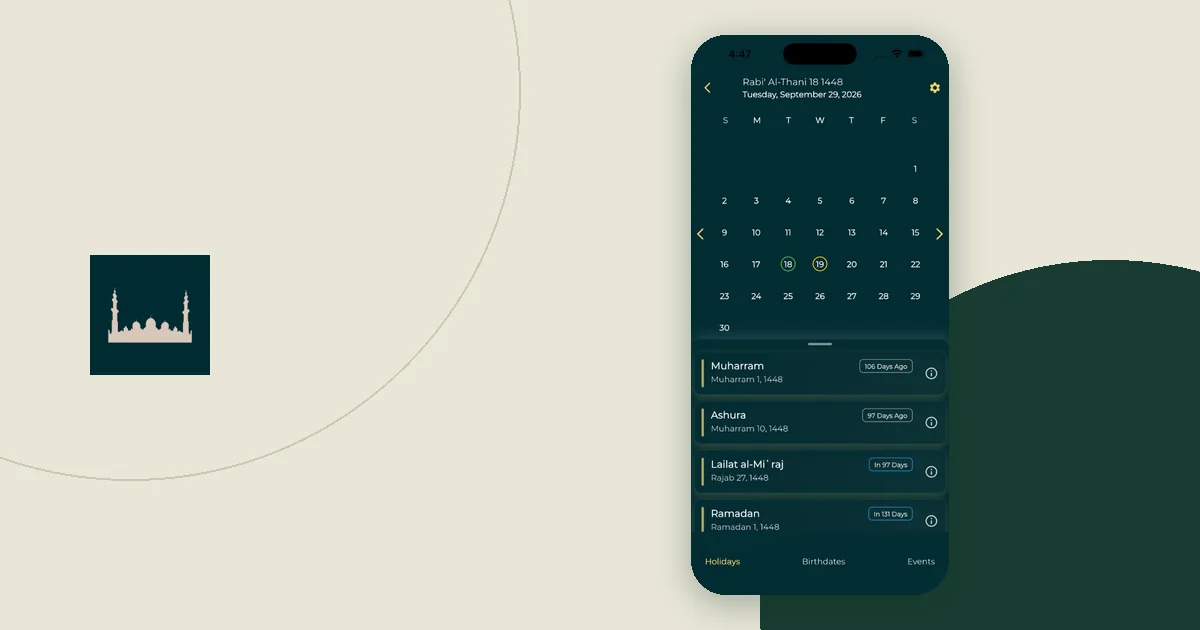
- The date source. Decide whose announcement you will follow for the first and last day. Sahih al-Bukhari 1909 links starting and ending the fast to sighting the crescent. The Hijri calendar in the app is useful for planning ahead, but its page notes that observance dates can depend on local moon-sighting decisions. Treat its date as an estimate until the announcement comes.
- The timetable. Pick one local timetable for Fajr and Maghrib, such as your mosque's printed sheet. Write down its name, the place it covers and its date range.
- The tasks. List the jobs that repeat each day: shopping, cooking, cleaning up, waking others for suhoor. Give each job an owner and a backup.
- The reading goal. Choose a Quran goal from your own pace, not someone else's target.
- The records. Decide what each person tracks, and keep that private unless they choose to share it.
Two things often reshape the tasks. If anyone plans to attend taraweeh at the mosque, put it on the plan, since it moves iftar clean-up and bedtime later on those nights. The last ten nights can change the schedule again, for example if someone plans to spend more of the night in worship, so decide in advance which tasks get lighter then. Ask a teacher about the practices themselves; the plan only makes room for them.
Save a timetable you can check
You can cross-check your local timetable with the online prayer-times calculator. Match the city, date, calculation method and Asr setting first. Its feature page explains that these are astronomical calculations, not a mosque's congregation times. The adhan-js README, from the library behind the calculator, warns never to assume the device's time zone matches the calculation coordinates. That matters if a phone still shows your home city after a trip.
If the calculator and your local timetable disagree, check the inputs and ask the authority you follow. Do not pick whichever number suits the plan.
Notice how far the times move. In London, for example, they shift by almost an hour across the month, so one fixed alarm time will not last.
A worked example for one London household
This is an illustration with invented people, not a schedule to copy. Assume the local announcement places the first fast on Monday, 8 February 2027, and the household lives in London.
Using this site's prayer engine (London coordinates, Moonsighting Committee method, Shafi Asr setting), the calculated times move like this:
| Date | Calculated Fajr | Calculated Maghrib |
|---|---|---|
| Mon 8 Feb 2027 | 5:51 AM | 5:05 PM |
| Mon 22 Feb 2027 | 5:25 AM | 5:31 PM |
| Sun 7 Mar 2027 | 4:59 AM | 5:54 PM |
By day 28, Fajr arrives 52 minutes earlier and Maghrib 49 minutes later. Your local timetable may differ from these figures, and some timetables print a separate imsak time before Fajr. Follow the timetable you chose in decision two.
The household has three adults. Amina works late on Tuesdays and Thursdays. Yusuf starts work early every weekday. Their aunt Khadija is home most evenings. Their task page looks like this:
| Task | Owner | Backup | Note |
|---|---|---|---|
| Check tomorrow's times each night | Yusuf | Khadija | Uses the local timetable, not a screenshot |
| Suhoor food ready the night before | Khadija | Yusuf | Simple items on Amina's late days |
| Iftar cooking | Khadija | Amina (Mon, Wed, Fri) | Start time moves later each week |
| Shopping | Amina | Yusuf | Saturday morning |
| Clean up after iftar | Yusuf and Amina | Khadija | Rotate on late shifts |
On Tuesdays and Thursdays, nobody expects Amina home for iftar. The plan does not depend on her being free just because a reminder went off. It also does not mark her private worship as missed because she could not join the family meal.
Hand off tasks clearly
"Get ready for the evening" can mean three different jobs. "Start the rice at 4:30" is a task someone can do. Short, named tasks are easier to pass to a backup.
Decide who needs a reminder and who does not. Yusuf might want a nightly prompt to check the times. Khadija might need only the shared task page. If every phone gets every alert, people stop knowing which one matters. The suhoor and iftar reminder guide shows how to label preparation reminders so nobody mistakes one for the end of suhoor, on iPhone or Android.
Family members in other cities need their own timetables. Sharing a plan does not mean sharing one set of prayer times. The family reminder privacy guide covers what to share and what to keep private.
Keep the reading goal and records separate
Set your Quran goal from a timed session in the copy you will actually use. The Ramadan Quran goal guide walks through the page arithmetic with an example. Sahih al-Bukhari 6464 reports that the deed most beloved to Allah is the most regular and constant, even if small. That supports a steady plan. It does not turn an app streak into a measure of worship.
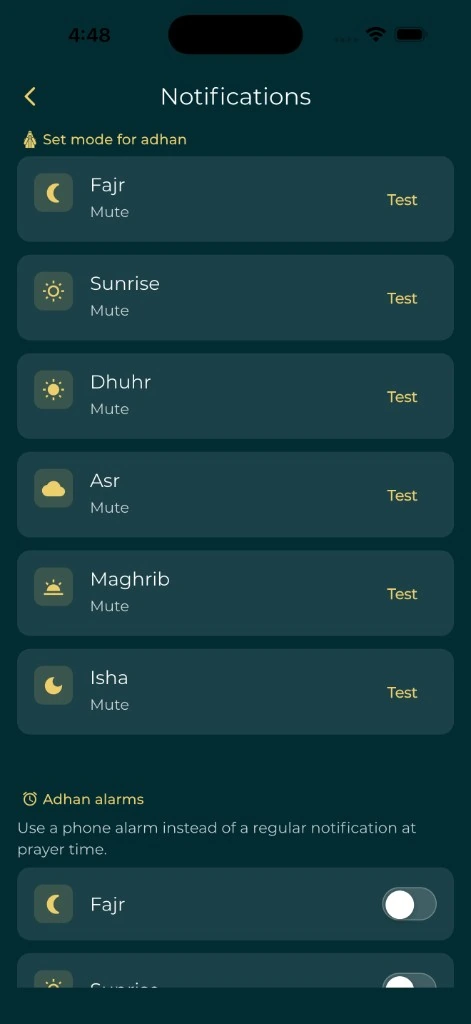
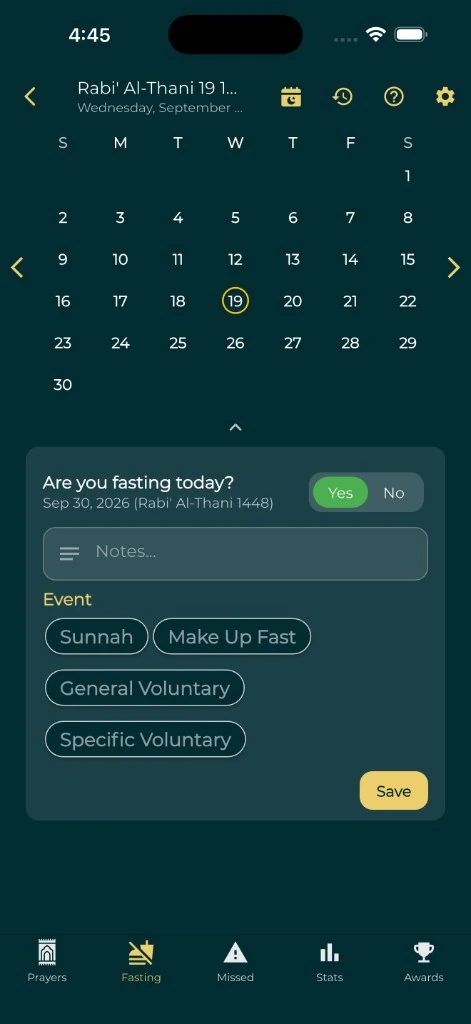
If you use the fasting tracker, record what happened on each day. A tracker keeps history. Its feature page says it does not determine religious obligations or decide exemptions. Keep an open question in a note until you have asked someone qualified.
Review the plan once a week
Pick a fixed time, such as after iftar each Saturday, to check three things:
- Does the local timetable still cover the coming week?
- Did any task go undone, and why?
- Does anyone need fewer or different reminders?
Fix the one thing that caused the most trouble, tell everyone what changed, and note the date of the change on the plan. A single page that the whole household trusts is worth more than a detailed schedule that nobody reads.