Quran & learning
Use Quran Bookmarks and Notes With a Clear Purpose
Give Quran bookmarks and notes separate jobs: one resume point, ayah-linked notes with sources, teacher questions and storage choices on iPhone or Android.
Editorial writing date:
Give bookmarks and notes different jobs. A bookmark tells you where to go back to. A note holds a question, a source or your own reflection. When each one has a clear job, you can return to the Quran without sorting through markers you no longer understand.
Sad 38:29 speaks of reflecting on the Quran's verses. A simple note system can support that study, as long as it keeps your own thoughts apart from explanations you attribute to someone else.
Key Takeaways
- Keep one resume point with a fixed meaning, recorded as a surah and ayah.
- Use bookmarks for places to return to and notes for questions, sources and reflections.
- Label every note as your reflection, a sourced explanation, or an open question.
- Decide where notes are stored and who can see them before you write anything private.
Give each bookmark a job
Start with why you need to come back. Your current reading place is different from a verse you want to ask about in class.
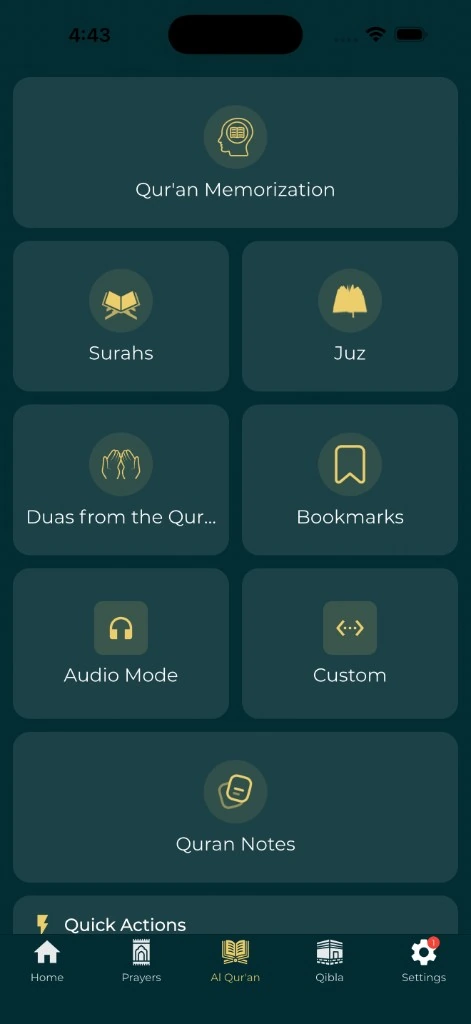
In Everyday Muslim, bookmarks are sorted into tabs for Ayah, Surah and Juz, plus duas. Bookmarks do not carry names, so the tab and the reference have to tell you why you saved them. A simple split works well:
- Surah or juz bookmark: a section you are studying over several weeks.
- Ayah bookmark: a verse to revisit or ask about.
- Reading position: where the next session starts, kept by the reader itself.
Pick one meaning for your resume point, such as "the first ayah I have not read yet," and keep it. A marker that sometimes means "last ayah finished" and sometimes "next ayah" leaves you guessing after a break. The Quran reader overview lists the bookmark and reading position features.
Use references that survive a layout change
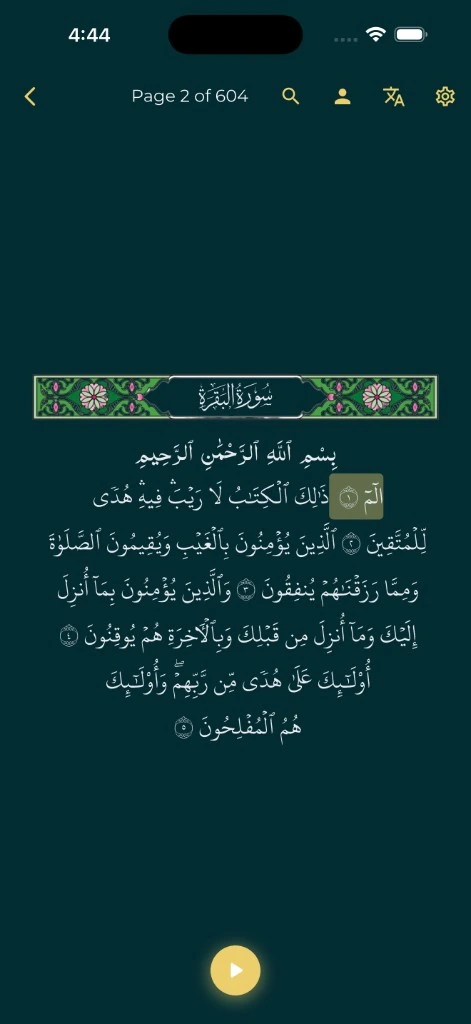
Write the surah and ayah next to any page number. That helps when you move between a phone, a printed mushaf and class handouts, because page breaks depend on the edition. The Everyday Muslim reader, for example, numbers its pages 1 to 604, which may not match your printed copy.
For a passage that spans several ayahs, write the full range, such as 2:255–257. If your question is about one word, note the ayah and the word's position so you can find it again without copying a long passage.
| Purpose | What to save |
|---|---|
| Resume reading | The next starting reference |
| Ask a teacher | The reference and the exact question |
| Revisit an explanation | The reference, the source, and its section or page |
| Personal reflection | The reference and a clearly labeled thought |
This table is one way to organize. It does not set an order of study or make a personal note an authoritative reading.
Attach notes to the ayah they discuss
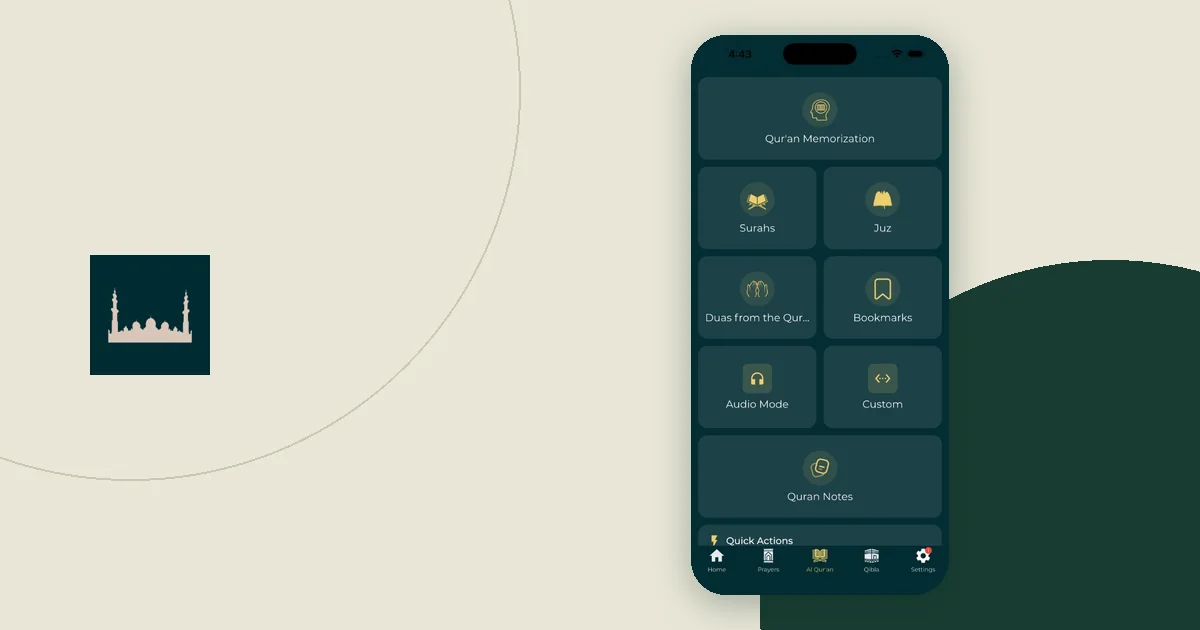
Everyday Muslim has a Quran Notes section. A note has an optional title and a body, and you can attach it to a surah, an ayah or a range of ayahs. You can also pick a color, for example one color for open questions and another for answered ones. Notes work the same way in the iPhone and Android apps.
Inside each note, use the same five lines:
- Reference: the passage you are studying.
- Source: the translation, tafsir or lesson you used.
- Explanation: a short summary, labeled as your summary.
- My reflection: your own response to the passage.
- Question: anything still open.
Worked example (illustrative). A note titled "Class question, Thursday" is attached to Al-Baqarah 2:255. The Source line names the translation used and the date of the lesson. The Question line reads: "How do the tafsir I use explain the name al-Qayyum here?" After class, the student adds the teacher's answer under Explanation, labels it with the lesson date, and changes the note's color to the "answered" color.
Quran.com's note guide also separates personal reflection from scholarly tafsir. Keep that line in your own notes. A thought that helped you reflect should never be copied later as if it were a scholar's conclusion. For questions about meaning, the guide to reading a Quran translation with context can help before you ask a teacher.
Choose where notes live on iPhone and Android
Decide where your notes are stored before you add anything private. Each tool handles accounts and sharing in its own way.
| Tool | How to organize | What to check |
|---|---|---|
| Everyday Muslim Quran Notes | Attach to a surah or ayah; use colors | Which categories Backup & Restore includes before you change phones |
| Apple Notes (iPhone) | Type # and a one-word tag, such as #quran-questions; browse under Tags (Apple guide) | Which account and folder the note is saved in |
| Google Keep (Android and iPhone) | Labels and pinned notes (Keep guide) | Which Google account is signed in, and who notes are shared with |
| Quran.com notes | Saved under your Quran.com account | Sharing a reflection publicly is a separate, optional step on QuranReflect |
Paper is also a fine choice if the phone distracts you. Keep private details out of shared notes unless you mean to include them. The guide to backing up worship notes without sharing them looks at those choices more closely.
Review questions and clear old ones
Before a lesson, take a few minutes to review open questions. Check that each one has a reference. A note that says only "ask about this" is hard to use once the original screen is gone.
After you get an answer, add the source and mark the question as answered. Then remove what you no longer need, but know what removal means in each tool. In Everyday Muslim, the app warns that deleting a Quran note cannot be undone. In Google Keep, archiving and deleting are separate actions. If you might want a record later, keep it and change its color or label instead.
Do not let organizing replace reading. Save a short question, keep reading, and come back to it when you have the right source or teacher.
Hand off cleanly to the next session
At the end, update your resume point and save the next question you want to pursue. If the session included audio, keep the passage you listened to apart from the place you read yourself. The guide to pairing Quran listening with a reading session explains that split.
Tap the saved reference once to make sure it opens where you expect. Then leave it alone until next time. A good bookmark brings you back to the right passage with your purpose still clear.