Quran & learning
Pair Quran Listening With a Reading Session
Pair Quran listening with your own reading: pick a short passage, set repeat and download options on iPhone or Android, pause to read, and log questions.
Editorial writing date:
Pick a short passage and split the session into two parts: listening and your own reading. Listen with attention, pause the recitation audio, then read the same ayahs yourself at your own pace. Go back to the audio when you want to check a word, and write down anything you need to ask a teacher.
The Quran calls for attentive listening in Al-A'raf 7:204 and measured recitation in Al-Muzzammil 73:4. Listening to others also has precedent: in Sahih al-Bukhari 5049, the Prophet (ﷺ) asked Abdullah to recite to him and said, "I like to hear it from others." The steps below are a practical study routine. Playing audio does not record or check your own recitation.
Key Takeaways
- Choose a short passage by surah and ayah, and decide what each half of the session is for.
- Set the reciter, range and repeat count before you start, and confirm offline audio is saved.
- Pause the audio before your own reading so the two stay separate.
- Write down the exact reference of any word you need a teacher to check.
Choose the passage and the task
Start with a passage you can find again without searching. Save its surah and ayah range, and check that the text on screen and the audio cover the same ayahs. If you also use a printed mushaf, open it to the passage before you press play.
Decide what the session is for: following the text, practicing a hard section, or studying a translation. Each needs a different kind of attention. A translation helps you study the meaning. It is not the Arabic text the reciter is reading.
If you are still learning to read Arabic, choose passages that match your lessons. If a passage keeps feeling too hard, ask your teacher what to practice instead of only adding repeats.
A worked example session
Illustration only; adjust the passage and counts to your own lessons.
- Choose: Al-Mulk 67:1–5, five ayahs.
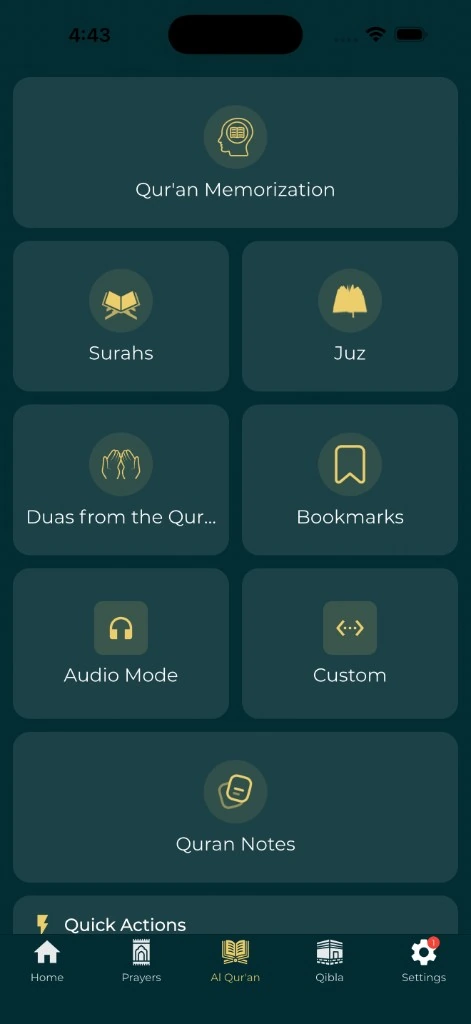
- Set up: in Audio Mode, choose a Custom Range from 67:1 to 67:5. Set Range Repeat Count to 2.
- Listen: follow the text for both rounds, without scrolling ahead.
- Pause and read: stop playback, return to 67:1, and read the five ayahs yourself.
- Check: if 67:3 gave you trouble, replay just that ayah, then read it again.
- Record: write "67:3, second half, ask about the stop" in your notes and save 67:6 as the next start.
Every step has a reference you can come back to, and the listening part stays apart from your own reading.
Set up the audio before you settle down
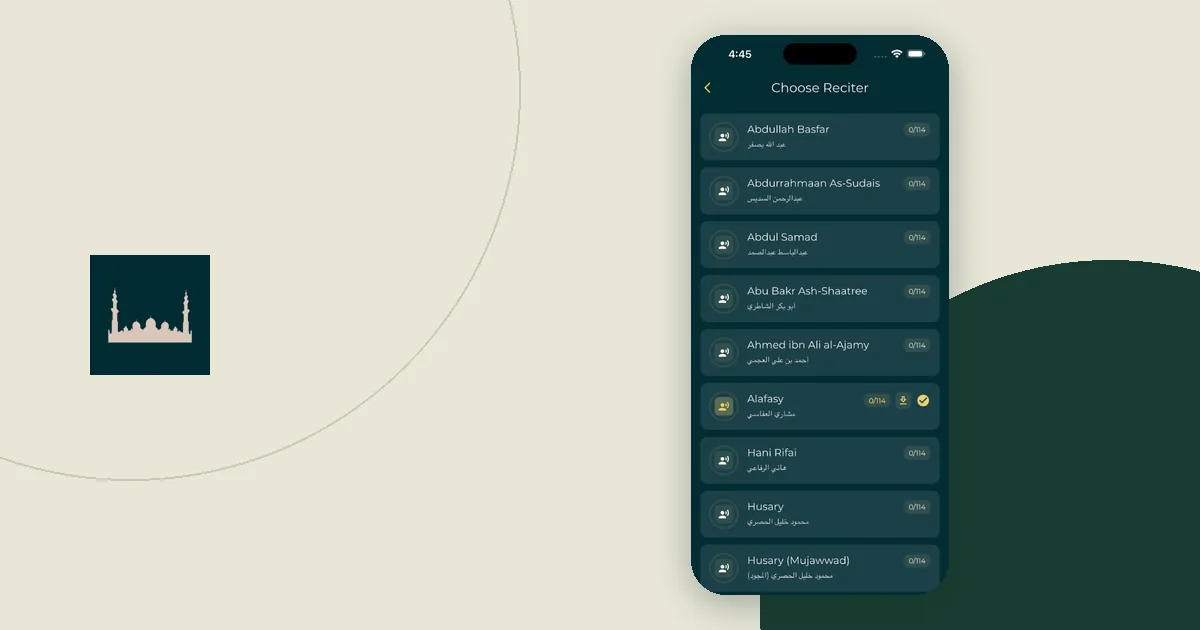
Open the reciter and playback settings in the Everyday Muslim Quran reader. Make sure the audio starts at the ayah you expect, and that you know how to pause and stop it.
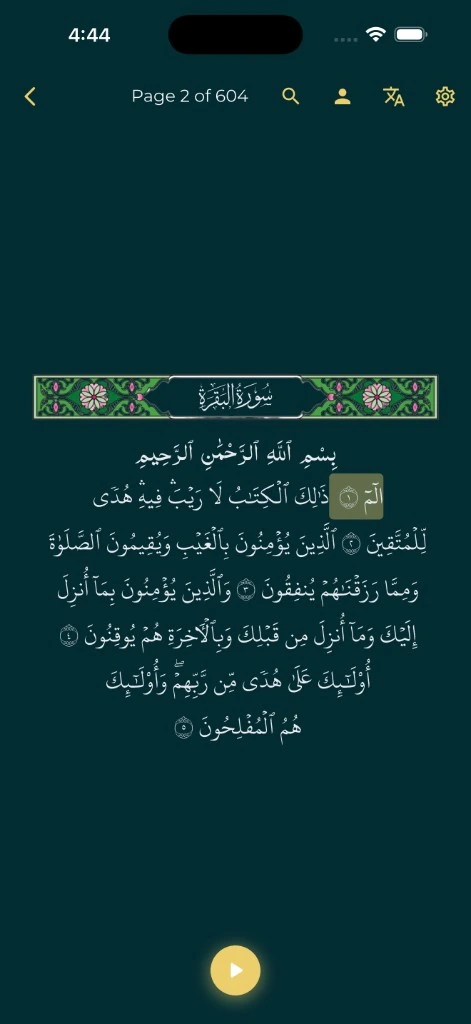
The app's Audio Mode Settings include Ayah Repeat Count, Surah Repeat Count, Range Repeat Count and Shuffle Mode. Playback Speed sits in the Qur'an Settings under Playback Settings. In Mushaf View, a follow-along highlight marks the ayah being recited. Treat it as a guide for your eyes, not as a check on your reading. For hifz practice, the Quran memorization tools build on the same repeat controls.
Check offline audio on iPhone and Android
Download the audio you need while you have a connection, then test it in airplane mode. On the reciter screen, download progress counts surahs, for example 40/114, and changes to Completed when every surah is saved. If a download stops early, the app says how many verses were saved, so retry before you rely on it. Audio saved for one reciter does not mean another reciter is ready.
Downloads need free space on the phone:
- iPhone: go to Settings > General > iPhone Storage to see free space and what each app uses (Apple guide).
- Android: open Settings > Storage and tap a category to see what is taking space (Android guide).
The offline trip preparation guide has a fuller checklist for being away from a connection.
Give listening your full attention
Play the passage and follow along at a pace you can manage. If the text is hard to follow, choose fewer ayahs. Keep your eyes on the ayah the reciter is reading, and do not scroll to a later passage while the audio plays.
Silence other alerts so the session is not broken up. On iPhone, schedule a Focus in Settings > Focus with Add Schedule (Apple guide). On Android, use Do Not Disturb in Settings > Modes, or a timed rule on older versions (Android guide). Check whether alarms or media are allowed through on your device.
Choose a setting where you can listen safely and with attention. For religious questions about listening in a particular situation, ask a qualified teacher.
Pause before your own reading
Stop the recording, find the starting ayah again, and read the passage yourself. That way you know which parts you heard and which parts you read yourself. The app's playback time cannot show what you personally read.
When a word or a join between ayahs is hard, note its reference and listen again. Then go back to your own practice as your teacher directs. Replaying audio helps you hear a sound again, but the recording cannot hear you or correct you. The guide to what a Quran app can and cannot teach about tajwid covers that limit in more detail.
With Track Reading & Listening on in Qur'an Settings (a khatam plan turns it on), playing a recitation is logged as listening. That is separate from marking ayahs as read, which is what moves a khatam plan forward. Mark as read only what you read yourself.
Leave room for meaning and questions
After reading, you may want to study a translation and a reliable explanation of the passage. Sad 38:29 speaks of reflecting on the Quran's verses. Give that its own time instead of assuming the audio answered every question about meaning.
A useful note holds three things: the reference, what you noticed, and which explanation you checked. Keep your own reflection apart from anything you attribute to a scholar. The Quran bookmark and note guide shows a simple way to do that.
Keep a simple session record
Write down the parts you actually did, especially if you switch tools or finish on another day.
| Part of the session | What to record |
|---|---|
| Listening | Passage, reciter and repeat count, e.g. 67:1–5, two rounds |
| Your own reading | Where you began and where to resume, e.g. next start 67:6 |
| Translation study | Translation used and one follow-up question |
| Teacher question | Exact reference and the point to check |
This is a way to organize your session, not an assessment of recitation. At the end, stop playback, save the next starting point, and keep open questions where you will find them before your next lesson.