Prayer & daily life
Planning Salah When Your Work Shifts Keep Changing
Rebuild your salah plan when a rota changes by comparing shifts with current prayer times, checking date boundaries, and confirming breaks and handovers.
Editorial writing date:
When your shifts change, rebuild the prayer plan from the new rota and the current local timetable. A repeating alarm or last week's break arrangement may no longer fit. Check where you will be, what work needs cover, and which calendar date applies during an overnight shift.
The Quran connects prayer with appointed times in An-Nisa 4:103. A new rota does not change those times; it changes where you will be when they arrive. Any religious question about your circumstances needs a qualified teacher, not a guess based on a calendar block.
Key Takeaways
- Treat the work rota and the prayer timetable as separate inputs.
- Recheck dates, locations, breaks and reminders after every shift swap.
- On an overnight shift, look up the timetable for both dates the shift covers.
- Keep a short note for each shift pattern, without fixed prayer times in it.
Keep a rota and a prayer plan side by side
Put confirmed work hours into the calendar you use, including travel and handover time. Then open the local prayer timetable for each affected day. The rota tells you where you will be; it does not set prayer times.
Mark the parts of the shift where stepping away needs coordination. In a role with constant cover, that may mean a supervisor or a colleague. In independent work, you may only need a good stopping point and a place to pray.
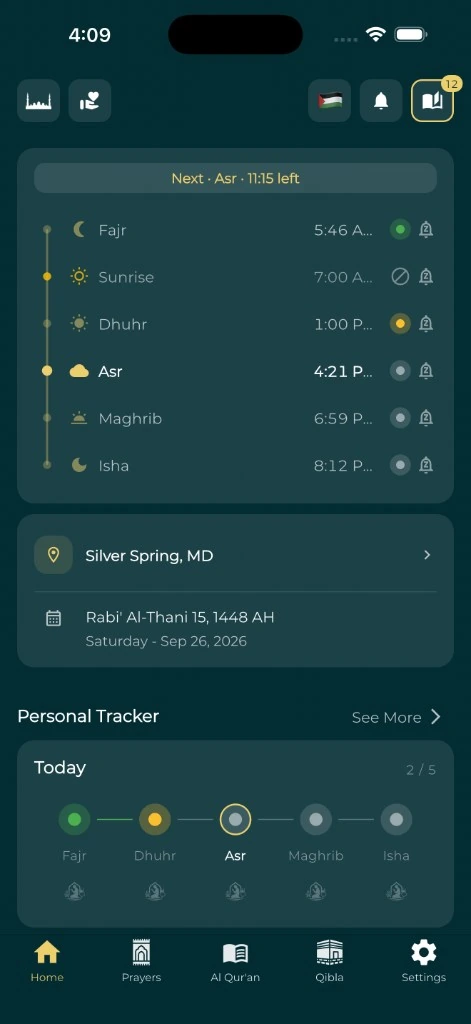
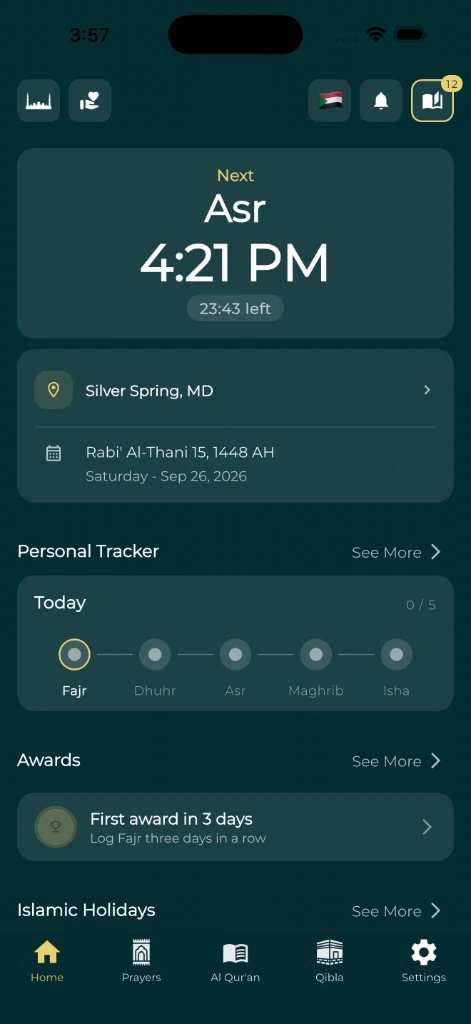
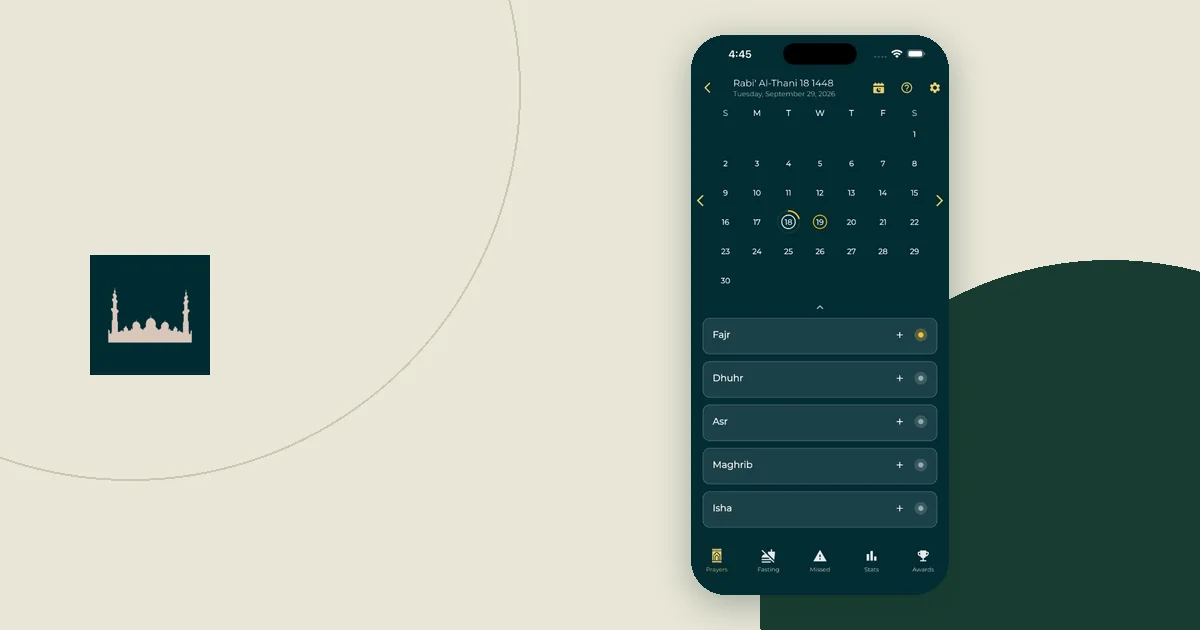
A personal prayer tracker can keep a record of past days if that helps you. Plan the next shift somewhere you will actually look before work, such as your calendar or a pinned note. You should not have to dig through old records to work out tomorrow.
Use templates for arrangements, not fixed times
Write a short note for each shift pattern you work regularly. An early-shift note might name the room you can use and who covers your task. A late-shift note might cover the route home and which prayer usually falls during the shift.
Keep prayer clock times out of the template. Only work commitments, such as start and end times, belong there. Add the prayer times when you review each date. That way you reuse what you know about the workplace without copying an out-of-date timetable.
Google Calendar allows repeating events and changes to a series. When you save an edit to a repeating event, Calendar asks which events the change applies to. Check whether you are changing one shift, the following shifts, or the whole pattern. An edit in the wrong scope can leave your calendar showing shifts you no longer work.
Check both dates on an overnight shift
For a shift that crosses midnight, check the timetable for both calendar dates. Write the dates out in your note. "Tonight's shift" is clear in conversation but can be ambiguous in a saved reminder.
Worked example: a 22:00 to 06:00 shift in London
This is an illustration, not a timetable to follow. The times come from this site's prayer-time calculator for London, UK, using the Moonsighting Committee method and the Shafi Asr setting.
Imagine a shift that starts at 22:00 on Thursday 12 November 2026 and ends at 06:00 on Friday 13 November 2026.
| Date | Prayer | Time in this example | Before, during or after the shift? |
|---|---|---|---|
| Thu 12 Nov | Maghrib | 4:18 PM | Before (at home) |
| Thu 12 Nov | Isha | 5:45 PM | Before (at home) |
| Fri 13 Nov | Fajr | 5:37 AM | During, 23 minutes before the shift ends |
| Fri 13 Nov | Sunrise | 7:15 AM | After the shift |
| Fri 13 Nov | Dhuhr | 11:50 AM | After, and it is a Friday |
Three things come out of this. Fajr falls on Friday's date, so a reminder set by looking only at Thursday's timetable would be wrong. Fajr also lands close to handover, which may be a busy moment at work. And the next day is Friday, so someone who attends Jumu'ah needs to plan sleep around it.
A sample shift note for this example might read:
Night shift, Thu 12 to Fri 13 Nov (London)
- Before leaving: Maghrib and Isha at home; check Friday's timetable.
- During: Fajr at 5:37 AM on Fri 13. Ask Priya to hold the handover log for ten minutes; use the spare ground-floor office if the quiet room is locked.
- After: Friday prayer. Check the mosque's Friday time and set a Clock alarm to wake for it.
Write a note like this once the shift is confirmed, then check it again on the day.
Location and time zones after the shift
Check where you will be after the shift too. You might go home, stay elsewhere, or travel on. If the city changes, the timetable you checked before work may not cover the rest of the day.
Time zones add another layer when the rota system uses a different region. Google Calendar explains how events are shown in local time. Compare the event's time zone with the local time where you will be. Use the prayer travel time zone checklist when you cross regions.
Confirm cover and room access for that shift
An arrangement that works in office hours may not work overnight. A room may be locked, an entrance may change, or the colleague who usually covers you may be off.
Before the shift, confirm:
- Which suitable space you can use during those hours.
- Whether you need a key, a code or a booking.
- Who handles any task that cannot be paused.
- How you signal that you are stepping away and coming back.
- What you will do if the space is in use.
The workday prayer break guide explains how to make that conversation specific. Workplace rules vary, so check your own staff guidance. In the United States, the EEOC's religious discrimination page lists flexible scheduling and voluntary shift swaps among examples of religious accommodation. That is a general description, not legal advice for your case.
Run a shift-swap check
Illustration: you swap an early shift for a late one. For planning purposes, the swap is not finished until the linked arrangements have been checked.
| Item affected by the swap | What to review |
|---|---|
| Calendar | Correct date, start and end time, and which events the edit changed. |
| Prayer plan | The current timetable for each date and place involved. |
| Workplace break | Cover and room access during the new hours. |
| Reminders | Old reminders removed or moved; new ones tested. |
| Travel | Where you will be before and after the shift. |
| Morning preparation | Any wake-up alarm the change affects. |
You do not need complex automation. A short checklist pinned next to the rota is enough, as long as you run it every time the schedule changes, not only when you remember.
Verify reminders after the schedule changes
Open any wake-up alarm and check its selected days. A label such as "work" tells you little if the repeat days still follow an old rota. Google's Clock guide explains how to set and change repeat days.
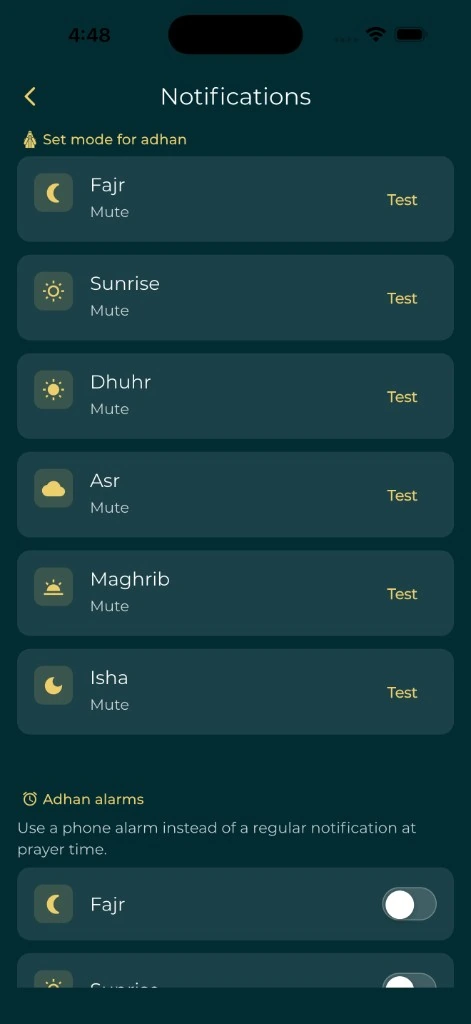
Test an important reminder while you are awake, with the phone set up as it will be during the shift. If a prayer app notification fails, investigate that notification rather than assuming the calendar is wrong. The guide to testing prayer notifications gives a focused checklist.
After the shift, write down only what would improve the next plan. "The quiet room needed a different key" is useful. So is "I only checked the starting date." Add those details to the shift note, and keep taking prayer times from the current timetable each day.