Prayer & daily life
Understanding Asr Settings in a Prayer Time App
Learn what the Asr setting changes, how the standard and Hanafi shadow rules work, and how far apart they fall in a worked example for one city.
Editorial writing date:
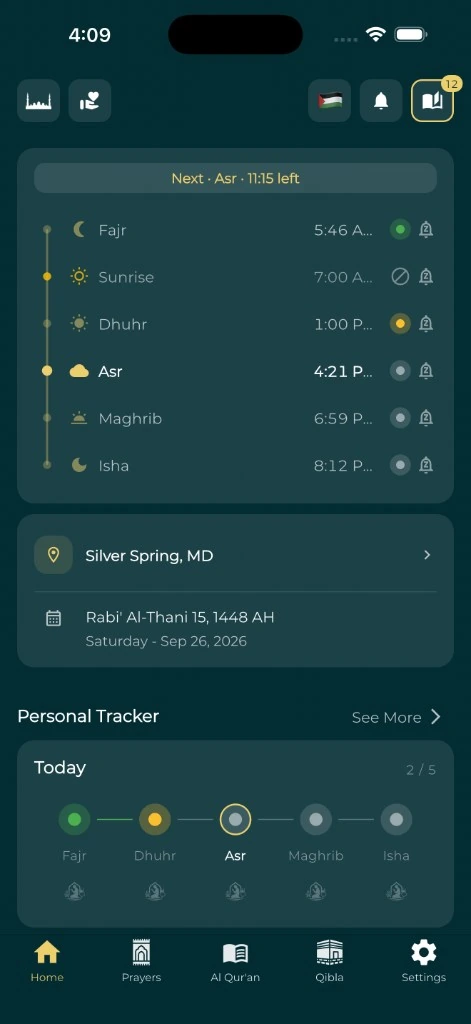
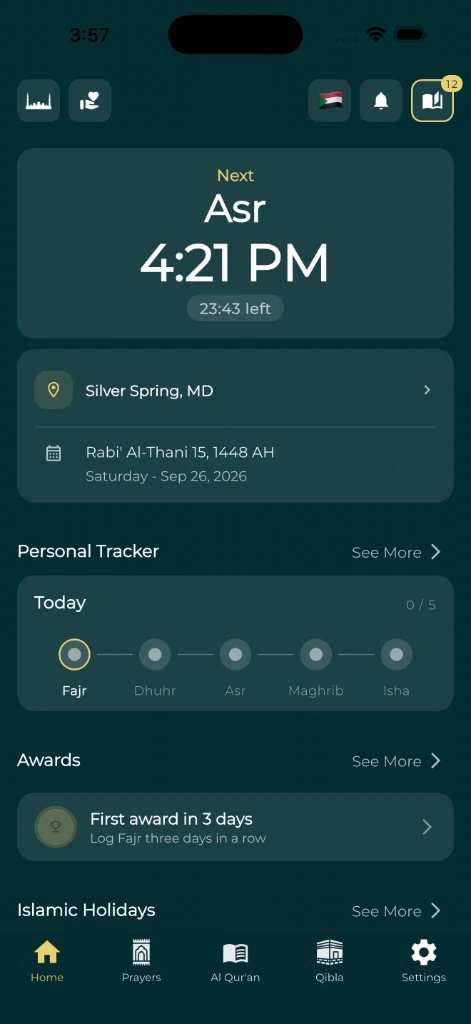
The Asr setting chooses which rule an app uses to calculate when the afternoon prayer time begins. PrayTimes describes two main opinions, the majority (standard) rule and the Hanafi rule, and apps that offer this setting typically present those two. In the Adhan library's methods guide, the Asr choice is its own parameter, set apart from the calculation method. So if two apps agree on every prayer except Asr, check this one setting before you change anything else.
Which rule you follow is a religious question for trusted, qualified guidance. An app's default does not make that choice for you.
Key Takeaways
- The Asr setting is separate from the calculation method, which mainly sets Fajr and Isha.
- The standard rule uses a shadow factor of 1; the Hanafi rule uses 2. Both add the shadow left at noon.
- The Hanafi rule always gives the later time. In the Paris example below, the gap is 34 minutes in December and 74 minutes in June.
- Change only the Asr setting when you test it. Only the Asr row should move.
Find the Asr setting in your app
Look in the prayer-time settings for a control called Asr method, Asr calculation, juristic method, madhab or school. The label and its location depend on the app and its version.
Libraries name the two rules differently. The Adhan calculation guide calls them Shafi ("earlier Asr time") and Hanafi ("later Asr time"). The Everyday Muslim app labels them "Standard (Shafi, Hanbali, Maliki, and all others)" and "Hanafi". From here on, they are called the standard rule and the Hanafi rule.
Read what the control says before you select it. In some products, a broad "school" setting may change more than Asr. What matters is what this particular control changes, not whether its name looks familiar.
How the shadow rule works
Picture a stick standing upright in sunlight. At midday, when the Sun is highest, the stick casts its shortest shadow. Call that the noon shadow. After midday, the shadow grows longer.
The PrayTimes calculation reference gives the two rules:
- Standard rule (shadow factor 1): Asr begins when the shadow equals the stick's height plus the noon shadow. PrayTimes lists Shafi'i, Maliki, Ja'fari and Hanbali under this rule.
- Hanafi rule (shadow factor 2): Asr begins when the shadow equals twice the stick's height plus the noon shadow.
So the "shadow factor" is just the multiplier on the stick's height: 1 or 2. A shadow has to grow longer to reach the Hanafi length, so the Hanafi rule always produces the later time.
The noon shadow is easy to forget. A phrase like "when the shadow equals the object's height" leaves it out. In winter, when the Sun stays low, the noon shadow can be longer than the stick itself. That is also why a quick photo of a shadow is not a reliable test of an app's Asr time.
Worked example: standard and Hanafi Asr in Paris
Illustration only, not a timetable to follow. We used this site's prayer-time engine (Adhan 4.4.6) for Paris, France (48.8566° N, 2.3522° E, Europe/Paris zone) with the Muslim World League method. Only the Asr setting changed between columns.
| Date | Dhuhr | Asr, standard rule | Asr, Hanafi rule | Gap | Maghrib |
|---|---|---|---|---|---|
| 1 December 2026 | 12:41 PM | 2:37 PM | 3:11 PM | 34 min | 4:56 PM |
| 21 June 2027 | 1:53 PM | 6:10 PM | 7:24 PM | 74 min | 9:58 PM |
Fajr, sunrise, Dhuhr, Maghrib and Isha were identical under both settings on each date. Only Asr moved.
The gap is not a fixed number of minutes. On the June date it is more than twice the December gap. That is one reason a fixed manual offset cannot turn one Asr rule into the other. An offset that matches one month will be wrong in another.
You can repeat this check yourself in the online prayer-time tool, which lets you change the Asr convention while keeping the place, date and method fixed.
Decide which rule you intend to follow
Ask your local mosque or a qualified teacher a specific question: "Which Asr rule should I select, and what is it called in a prayer app?" If you follow a printed or online timetable, also ask whether its Asr column shows the start time or the congregation time.
Quran 4:103 describes prayer as prescribed at appointed times. That is why the setting deserves care. It is not a ruling on the difference between schools.
Keep your settings note short and factual. For example: "Asr: standard rule, chosen after checking the mosque's timetable notes, 12 October." You do not need to store private conversations or make the note a public statement.
Avoid switching rules just to get a later time on a busy day. If your situation raises a religious question, ask it directly rather than settling it with a software control.
Test the setting with a controlled comparison
Use one place and one date. Write down your current settings before you change anything.
| Keep this fixed | Why |
|---|---|
| Place | Asr depends on where the Sun is for that location |
| Date | The gap between rules changes through the year |
| Time zone | The same moment can show on a different clock |
| Calculation method | It should not change while you test Asr |
| Manual adjustments | An offset can hide the real difference |
Now switch only the Asr setting. If the Asr row moves later or earlier and nothing else changes, the setting works as expected. Then set it back to the rule you intend to follow.
Check a second date in another season before you trust any manual offset. If you are trying to match a local timetable, ask which rule it uses rather than working it out from one afternoon.
When the difference is somewhere else
Suppose a friend's app shows a different Asr time, but also a different Fajr and Isha. That points to the calculation method, not only the Asr setting. Work through why prayer apps can disagree before you change more.
A whole schedule that looks shifted after a journey points to the place and time zone. Use the travel time-zone checklist for that case. And if the displayed time is right but the reminder is not, the guide to testing prayer notifications keeps delivery problems apart from calculation choices.
If the Asr setting is hidden or its label is unclear, contact the app's support team and ask what it does. Give the app version, city, date and calculation method.
Keep a small record you can reuse
Save your chosen Asr rule with the rest of your prayer settings. Look at the note again after you change apps, restore a phone or move to a new community. The daily salah routine guide can help you fit the checked schedule into your day.
Once you can say what the Asr setting does and why you chose it, a changed result is easier to check. A different Asr time stops looking like either a software fault or a judgment about someone else's practice.